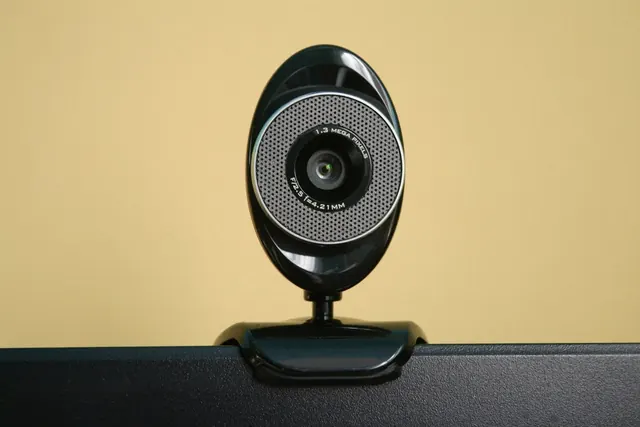
Video Conferencing & Collaboration · 1 guide
Video Conferencing & Collaboration
Webcams, microphones, lighting and calmer online meetings.
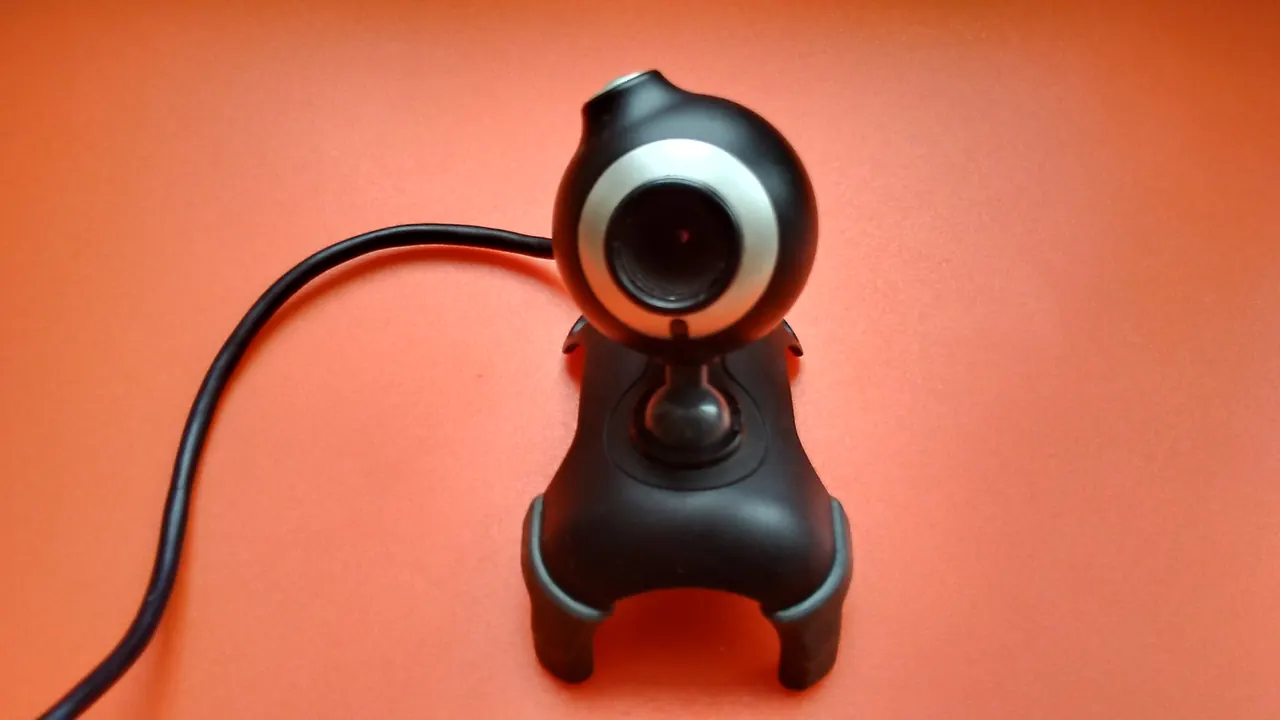
Online meetings are part of almost every working week. Most of what makes a call look and sound good is simple: the camera at eye level, soft light in front of you and a microphone close to your mouth.
These guides explain the setup, how to test it before a meeting and what to check when the camera or microphone stops working on Windows or Mac.
Video Calls guides
-
How to Set Up a Webcam, Microphone and Lighting for Video Calls
A practical video call setup guide: position your webcam, choose and test a microphone, light your face well and fix common camera and sound problems.