Office Equipment & Technology · 20 guides
Office Equipment & Technology
Monitors, accessories and the care routine that keeps equipment working.
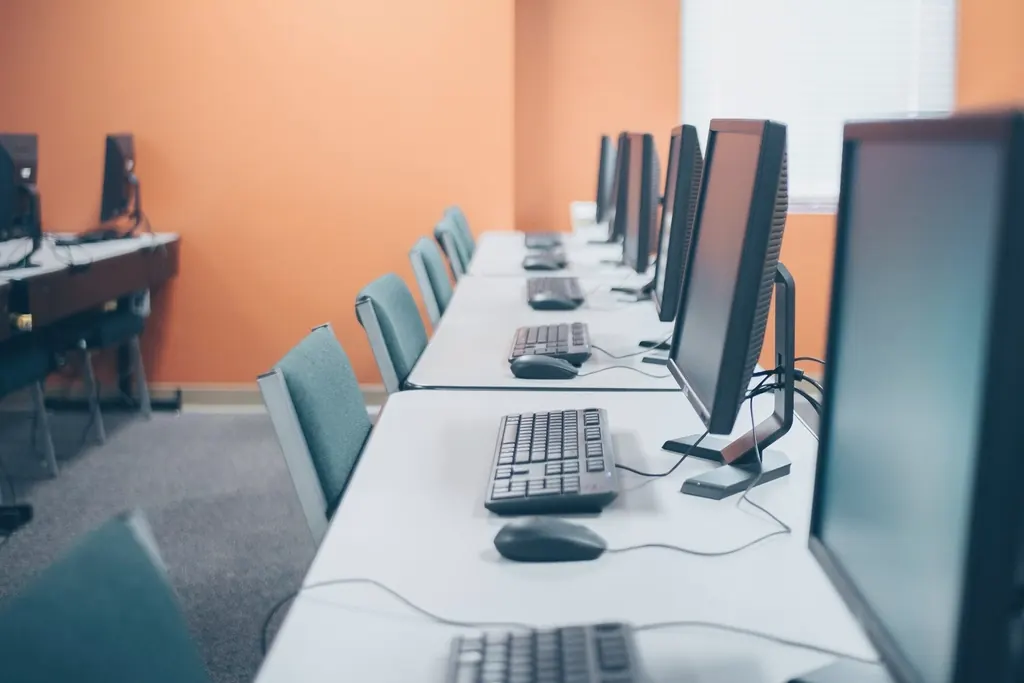
Office equipment works best when every piece fits the others: the right cable between laptop and monitor, a dock that suits the laptop’s ports, accessories that stay connected and a simple care routine. This section covers monitors and displays, docking stations and adapters, and maintenance.
Computers and laptops, printers and scanning, and phones and tablets each have their own, deeper collections, linked below.
Topics in this section
-
Monitors & Displays
Connect an external monitor, then build a two-screen workspace that is easy on your neck.
-
Office Accessories
Docking stations, USB hubs, adapters, keyboards, mice and wireless accessories.
-
Scanners & Copiers
Scan to your computer or to PDF with a scanner or multifunction printer, and keep copies clean.
-
Care & Maintenance
A weekly, monthly and yearly routine for computers, monitors and printers.
Office Equipment guides
-
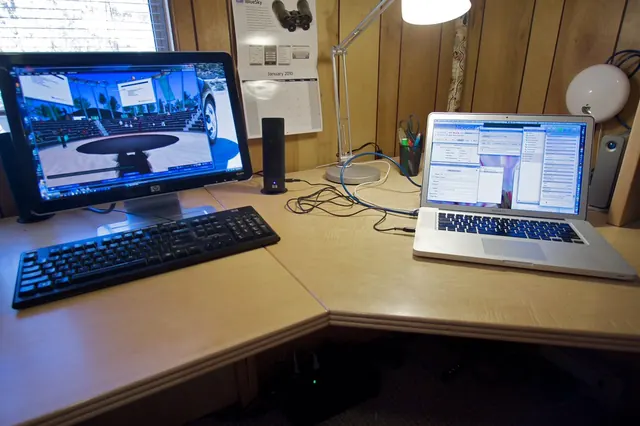
How to Connect a Laptop to an External Monitor
Learn how to connect a laptop to a monitor with HDMI, DisplayPort or USB-C, choose the right cable, and set up the screen on Windows or Mac.
-
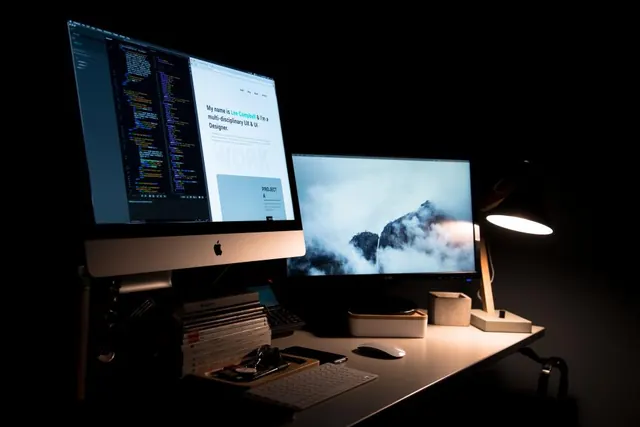
How to Build a Dual-Monitor Workspace
Plan a dual monitor setup that works: check what your computer supports, connect two screens, arrange them on Windows or Mac and position them comfortably.
-
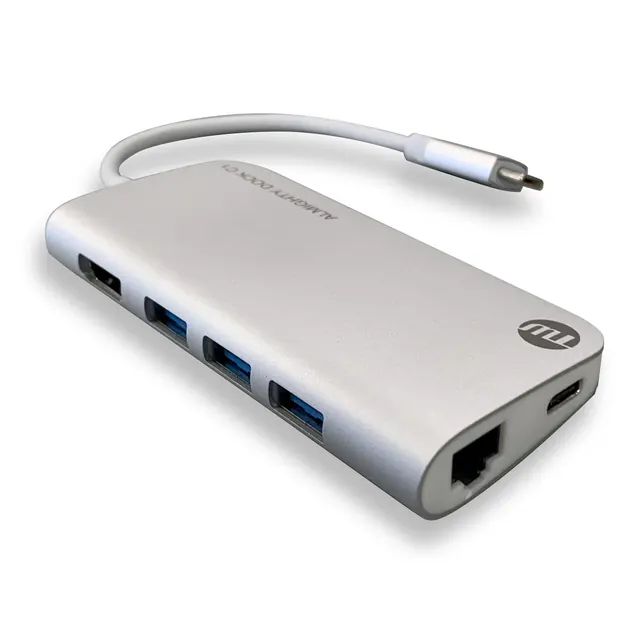
Docking Stations, USB Hubs and Adapters Explained
Docking station or USB hub? Learn what each does, which ports and features to check, and how to connect a laptop to screens and accessories with one cable.
-
How to Maintain Office Equipment: A Simple Care Routine
A simple office equipment maintenance routine for computers, monitors, printers and accessories: safe cleaning, updates, checks and retiring old devices.

More in Office Equipment
-
-
Windows Tutorials
Updates, settings, accounts and security basics.
- How to Update Windows and Fix Update Problems
- Windows Settings Explained: A Beginner's Tour
- Windows Security Basics: Accounts, Updates and Protection
3 guides
-
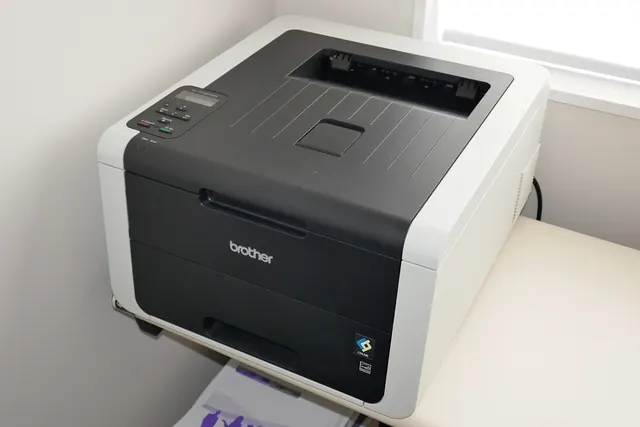
Printers & Printing
Setup, Wi-Fi, drivers, printing, scanning and common problems.
- Printer Setup for Beginners: From Box to First Print
- How to Connect a Printer to Wi-Fi and Your Laptop
- How to Install and Update Printer Drivers Safely
- Printer Offline or Not Printing? Step-by-Step Fixes
7 guides
-