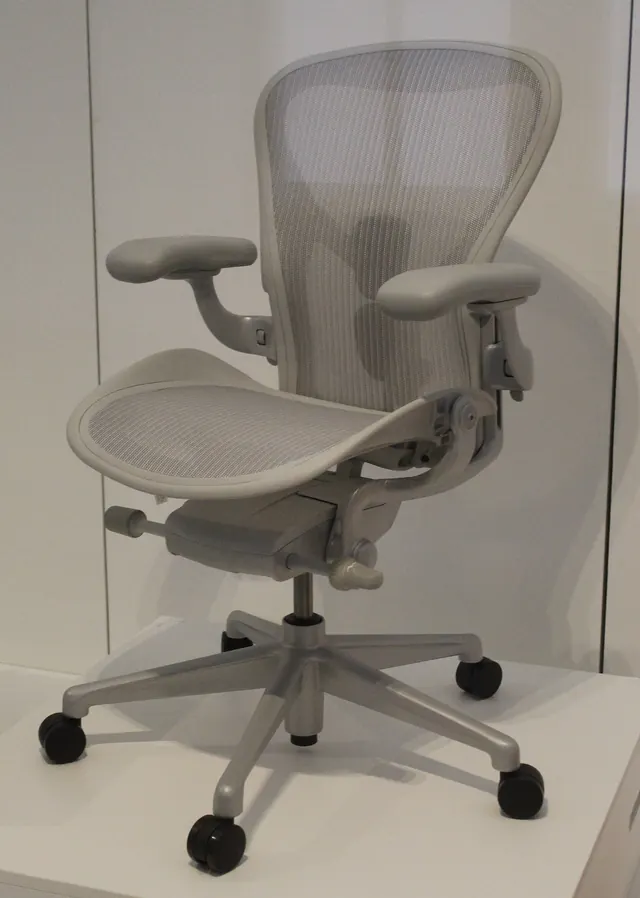
Ergonomics & Workspace Comfort · 2 guides
Ergonomics & Workspace Comfort
Chair, desk, screen and lighting arranged around you.
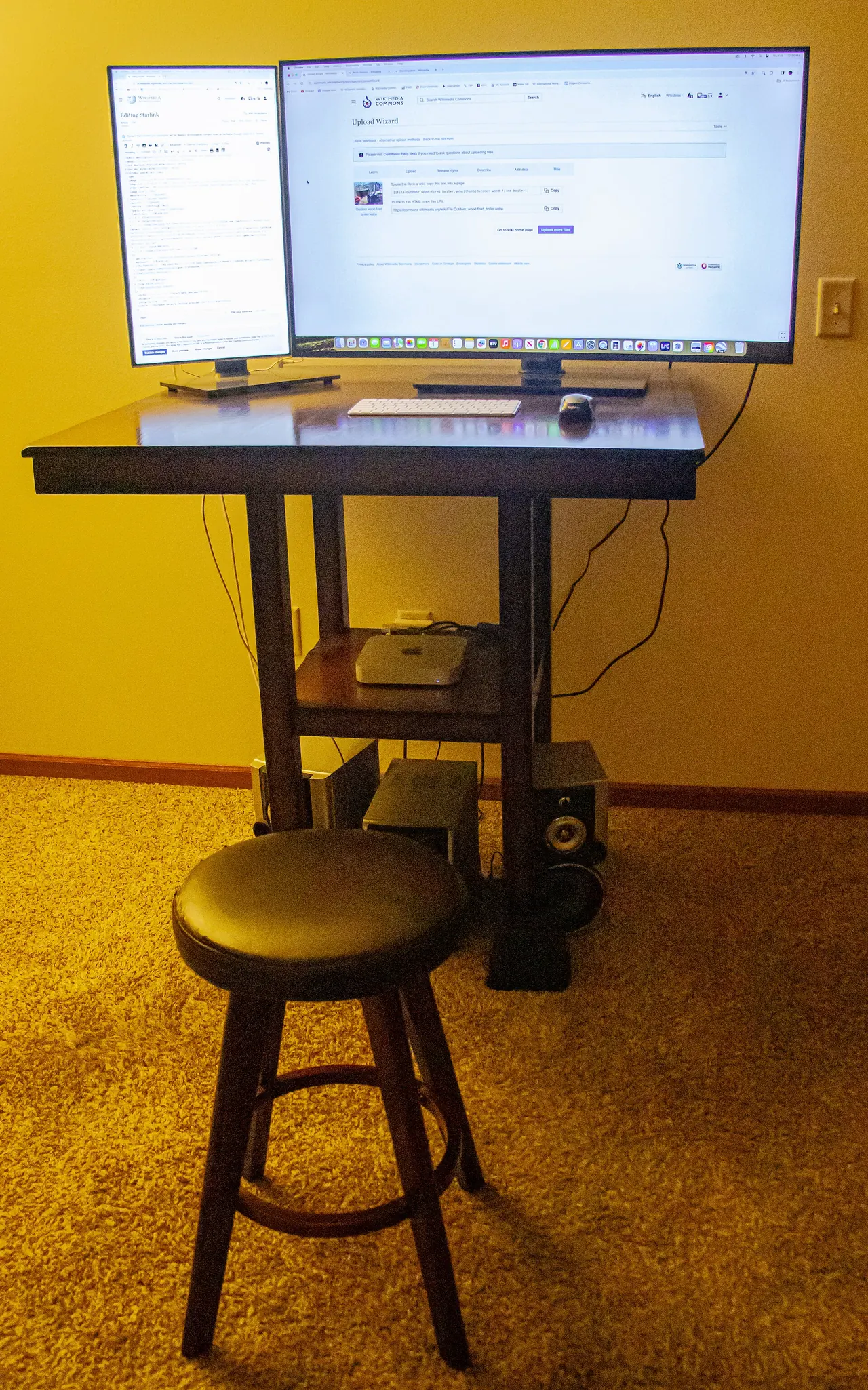
A comfortable workstation is arranged around your body: chair first, then the desk, keyboard and screen, then the light. These guides explain each adjustment in plain language, using the workstation principles published by the US Occupational Safety and Health Administration.
They are general workspace guidance, not medical advice. If you have pain or a health condition, talk to a doctor or qualified specialist.
Ergonomics guides
-
Ergonomic Desk Setup: Chair, Desk, Monitor and Keyboard Positions
An ergonomic desk setup guide: adjust your chair, desk height, monitor position, keyboard, mouse and lighting for a comfortable, sustainable workstation.
-
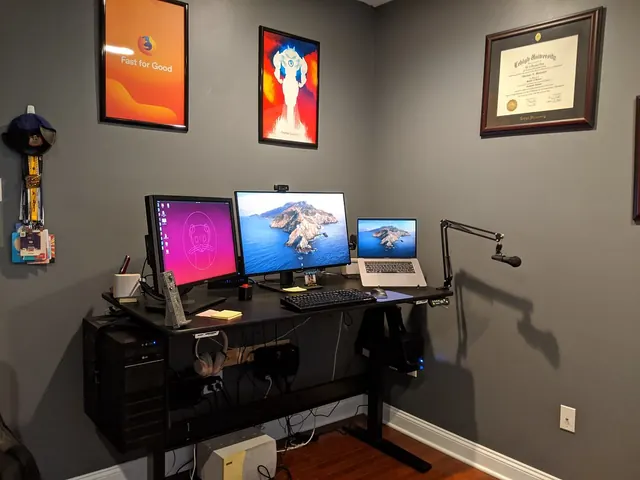
How to Choose an Office Chair and Desk for Your Workspace
How to choose an office chair and desk: the adjustments, sizes and features to check, fixed versus sit-stand desks, and how to test before you commit.